
Client
VLI Tech, Inc.Type of the project
Workforce platformDuration
20 monthsDedicated team
2 Engineers + PMIndustry
HealthcareTHE BACKSTORY
Founded in 2011, VLI Tech is a US-based technology company building software for EMS and mobile healthcare providers. After acquiring Newton360 (a workforce management platform that helps EMS supervisors engage with frontline staff, give and receive feedback, and track engagement) VLI Tech brought our team on to handle web and mobile development. We were tasked with implementing complex platform workflows, including user management, role-based access, multi-agency workflows, encounters, analytics, and integrations
PROJECT BUSINESS OBJECTIVES
The goal was to turn Newton360 from a feedback app into the operational layer EMS organizations run their teams on:
1. Centralize user management
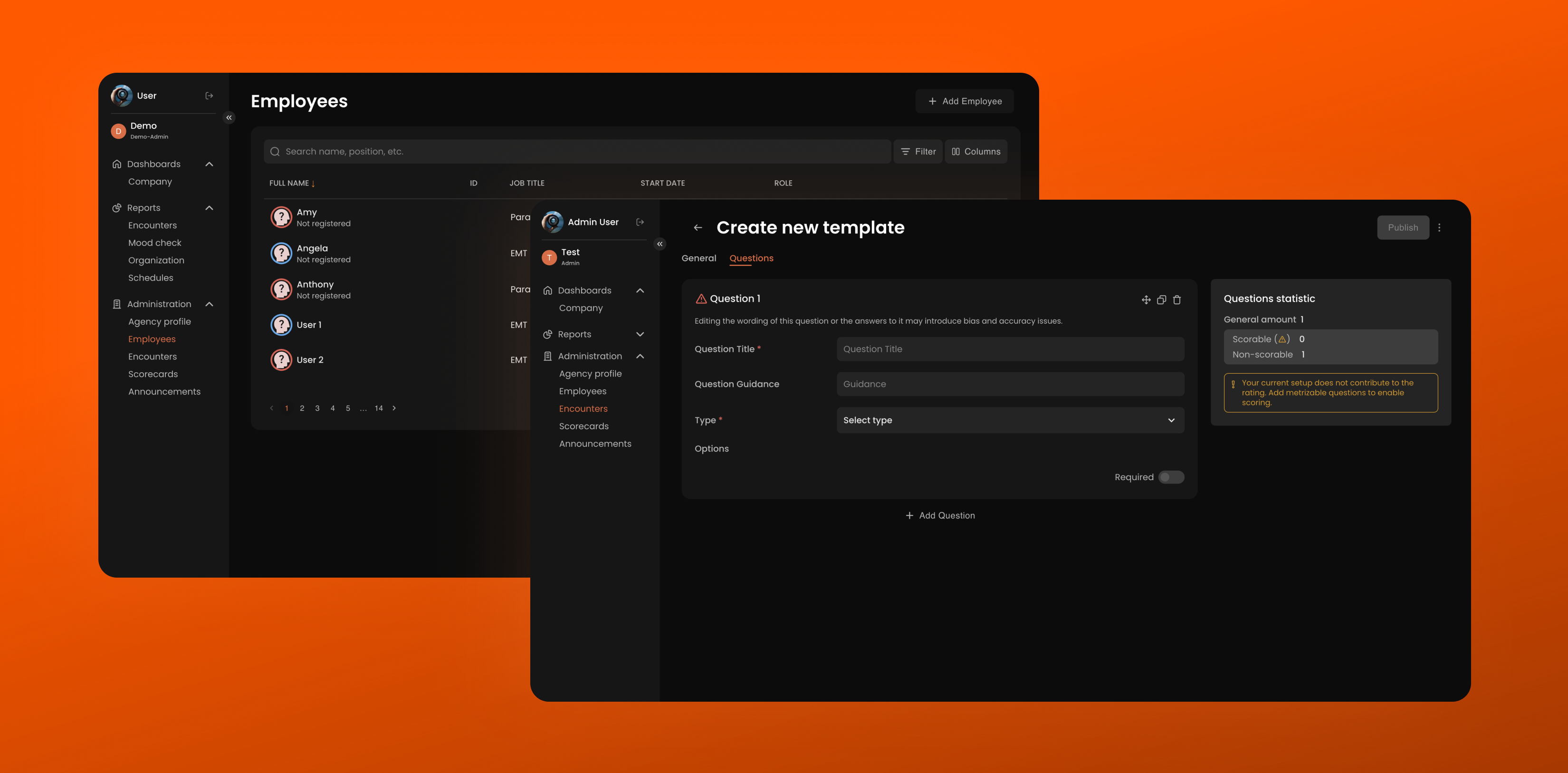
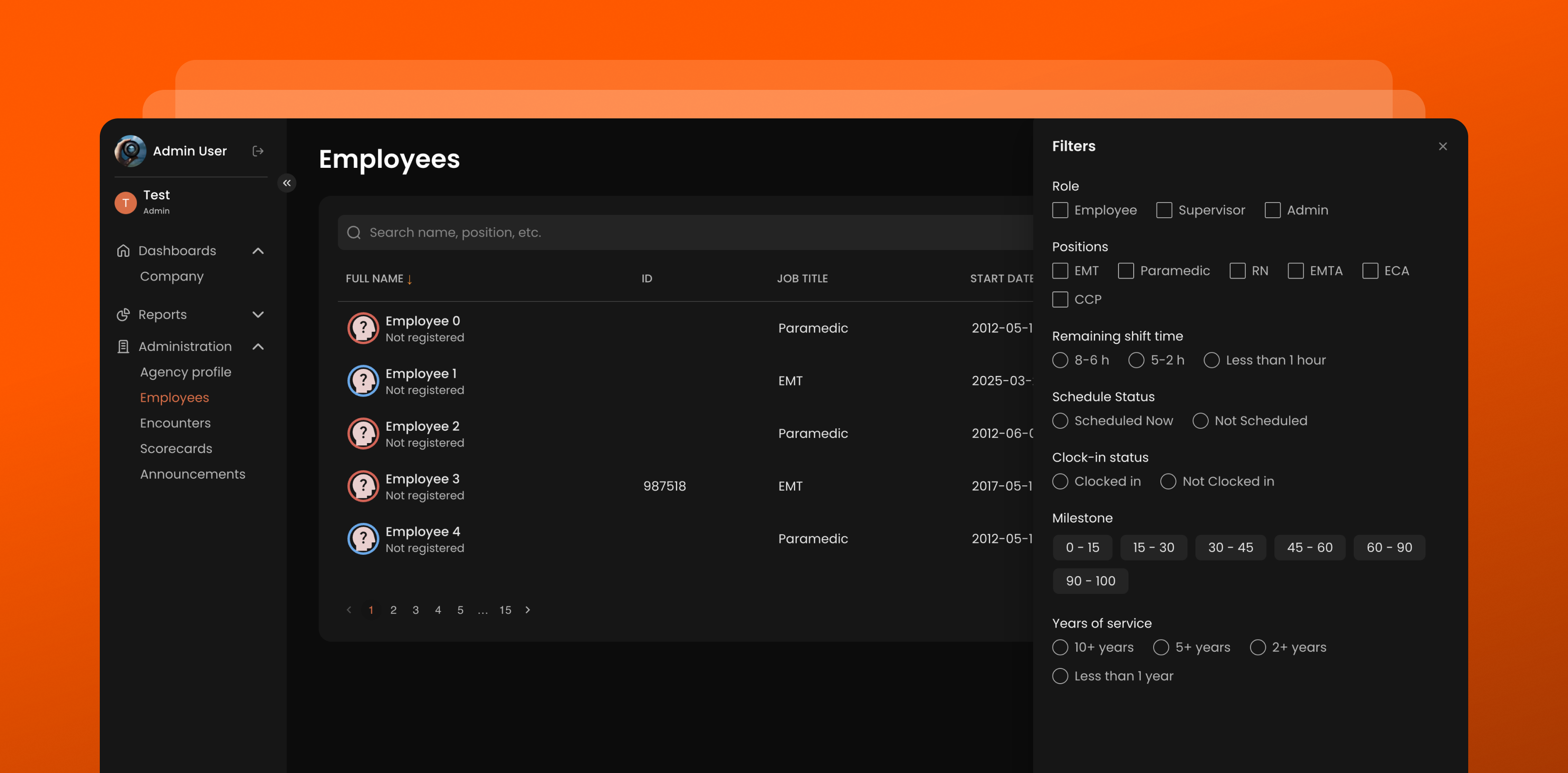
Bring employees, roles, access levels, and profiles under a single system of record.
2. Support a multi-agency structure
Let one organization operate several EMS agencies within one platform, with users carrying different roles in each.
3. Make encounters part of the daily routine
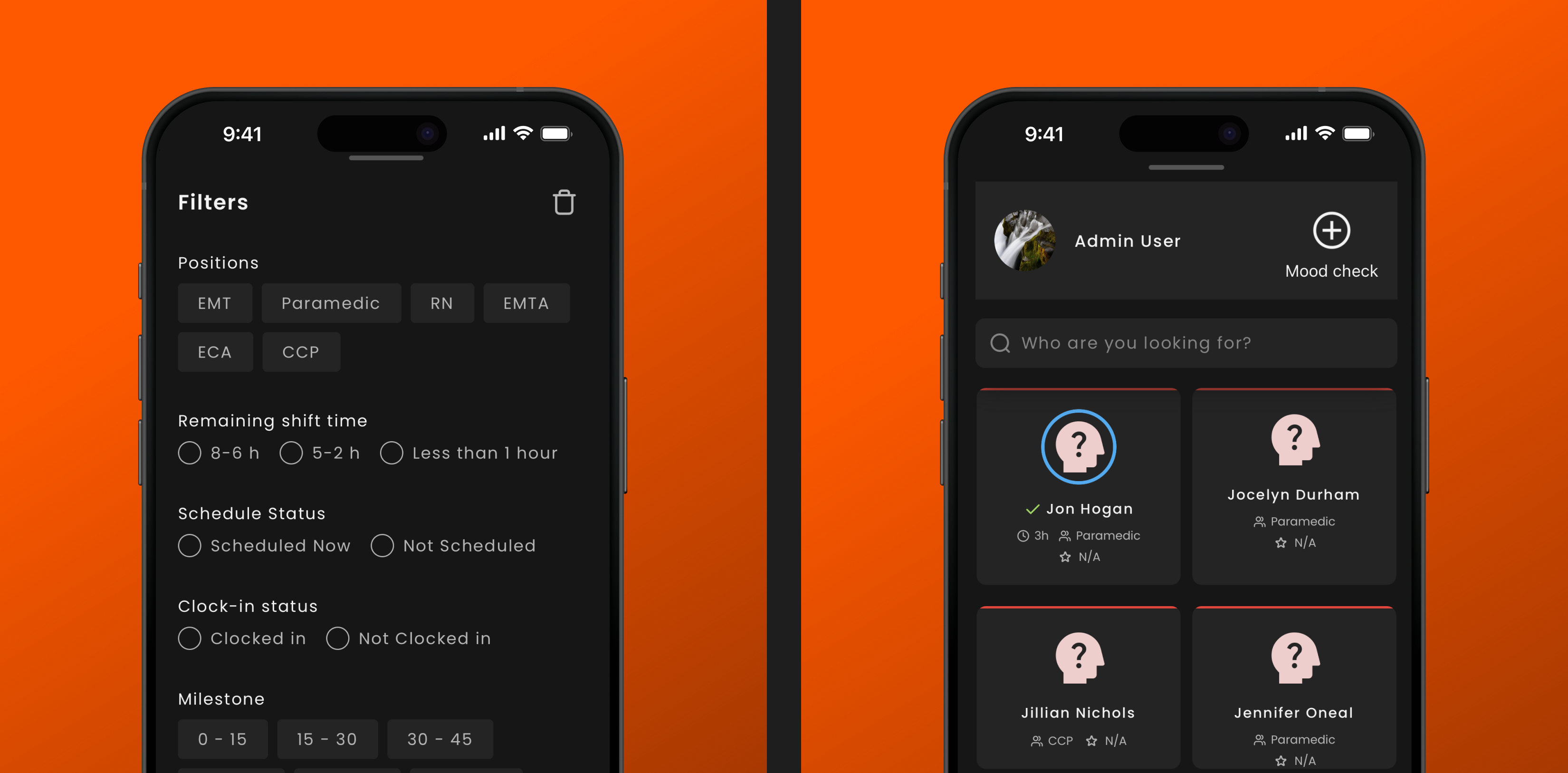
Give supervisors a structured, low-friction way to interact with frontline staff — one they return to during a shift rather than backfill at the end of it.
4. Give leadership visibility into team activity.
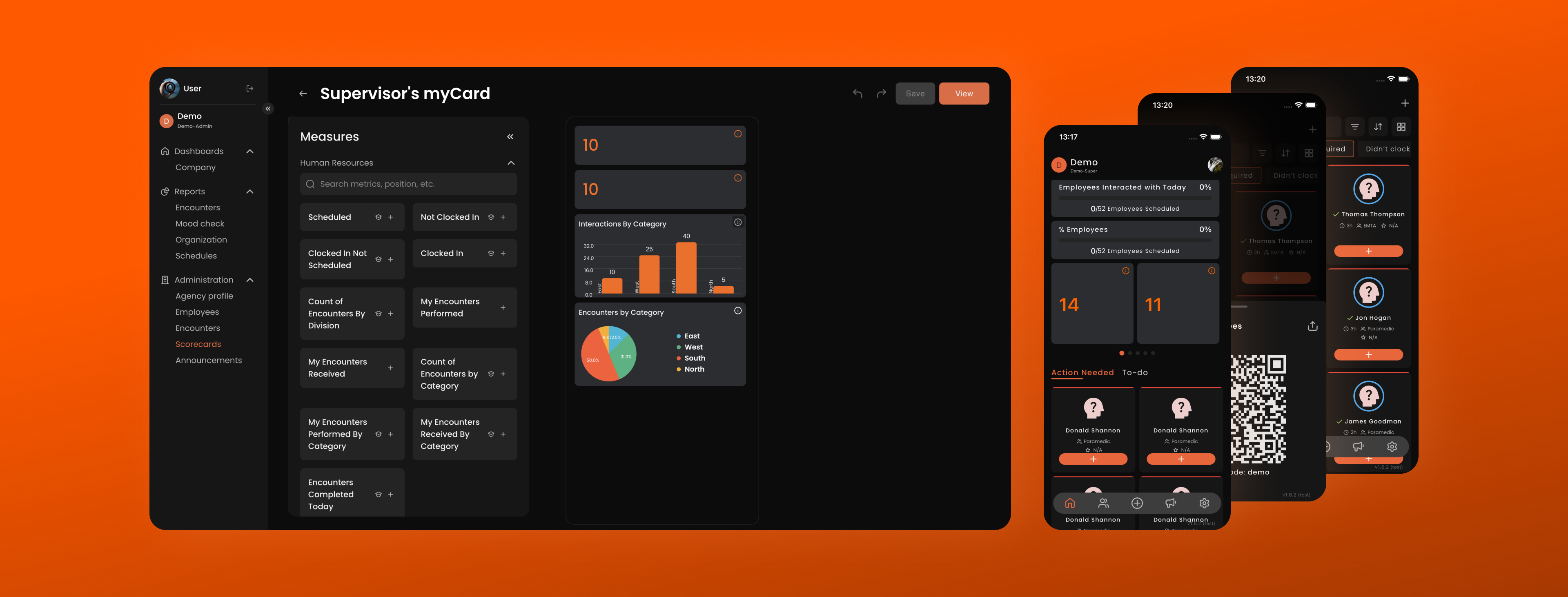
Surface scorecards, analytics, and activity indicators that show where attention is needed: who has been engaged, who has been overlooked, and where sentiment is shifting.
5. Automate onboarding
Turn invitations and setup for new employees and new agencies into a self-service flow that runs without developer involvement.
6. Consolidate operational configuration
Manage announcements, reports, and external integrations from the same place the rest of the organization is configured.
WHY LEETIO
To continue developing Newton360, VLI Tech needed a team that could take ownership of both mobile and web development while working with an existing product.
1. Experience with complex workflows
We work with products where different roles, access levels, and business workflows need to work together seamlessly.
2. Mobile development expertise
Our team had experience building cross-platform mobile applications and could develop for both iOS and Android from a shared codebase.
3. Integration-heavy environment
The project involved authentication, push notifications, deep links, and API integrations, requiring a team that could bring these components together into a seamless user experience.
CHALLENGES WE FACED AND HOW WE OVERCAME THEM
1. Complex multi-agency logic
Newton360 had to support organizations that work with several EMS agencies. On top of that, a single user can hold different roles and access levels depending on the context. Simply adding a switcher between agencies was not enough — the system had to correctly determine which data and features are available to the user in each case.
Solution
We implemented a multi-agency model together with role-based access control. The active agency became part of the application context rather than a global flag: switching rebuilds the state and re-resolves dependencies through Inversify, so data from the previous organization does not carry over into the new context. The user's role in the current agency defines not only the available actions but also the composition of the navigation.
2. Complex mobile authentication flow
Authentication through Auth0 turned out to be one of the most technically demanding parts of the mobile app. We had to align the callback URL, custom schemes, and app links, and correctly handle session restoration, logout, and post-authentication transitions.
Solution
We worked through the full authentication flow for React Native / Expo: registering the callback scheme on both platforms, aligning app links with the Auth0 configuration, restoring the session on cold start before the first render, and a federated logout that terminates the provider session rather than only clearing tokens in the app. The post-authentication transition is deferred until the active agency and role have been resolved.
3. Push notifications and deep links
Push notifications in Newton360 had to be tied to specific actions inside the app. Receiving a message was not enough — after tapping it, the user had to land directly on the relevant screen or workflow.
Solution
We integrated Firebase Cloud Messaging and routed push notifications, invite links, and external deep links through a single navigation handler. Before navigating, it checks the authentication state and the agency context the target belongs to, so a notification opens the right screen both when the app is closed and when the user needs to switch between organizations.
4. Complex analytics and scorecards on mobile and tablet
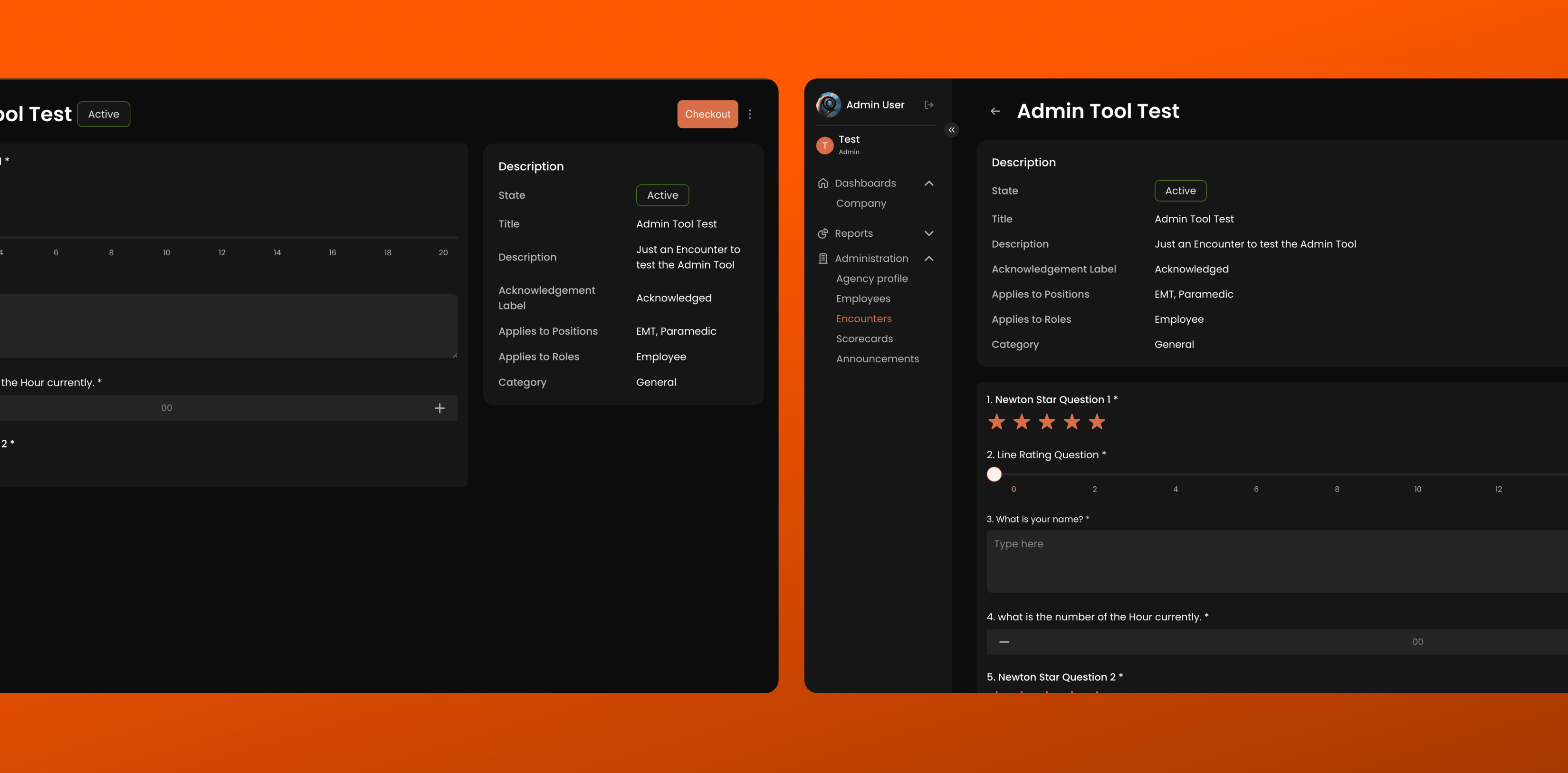
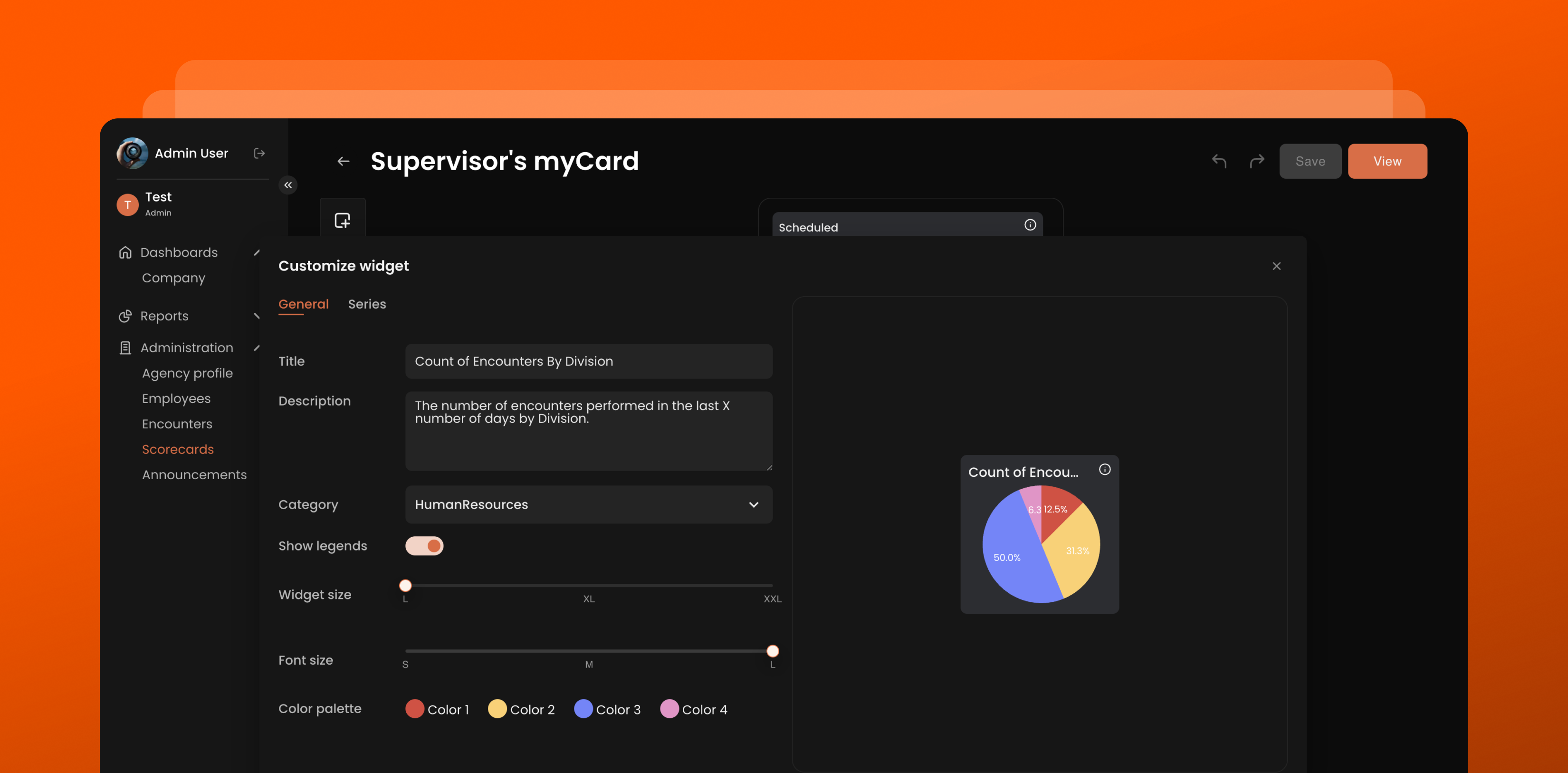
Newton360 works with a large volume of data on employees and their activity. Scorecards, widgets, and charts had to stay readable and behave correctly not only on phones but also on tablets. They are also configured in the admin tool, so the mobile version had to match the web version in both behavior and calculations.
Solution
We used SVG for data visualization and built charts and analytics components that recalculate their layout for the screen size. We separately worked through pie chart behavior on tablets, employee lists, sorting, and scrolling, and aligned the widget configuration with the admin tool so that identical settings produce identical figures on both platforms.
5. Building complex workflows into an existing product
Newton360 already had established business logic and working scenarios, so new functionality had to be added without disrupting existing processes. This applied to user management, encounters, onboarding, analytics, and other parts of the platform.
Solution
We separated the UI, business logic, and API layers and built functionality in a modular way: state in MobX, dependencies through Inversify, and a dedicated API layer on Axios. This let us develop individual parts of the product independently, replace them incrementally, and made it easier to add new workflows and integrations later on.
:format(webp))
TECHNOLOGY STACK
Frontend: React Native, Expo, React, TypeScript
Architecture and state: MobX, Inversify, Axios, SVG
Third-party integrations: Auth0, Firebase Cloud Messaging
RESULTS
As a result, Newton360 gained an updated mobile and web experience that supports complex EMS workflows and provides a solid foundation for further product development.
Working across multiple agencies. The multi-agency logic allows users to work with multiple organizations and switch between their available roles within a single platform.
Simplified workflows. User management, encounters, onboarding, and other day-to-day processes are brought together in one place.
More control for administrators. Role-based access control ensures users have access to the features and data relevant to their roles.
Analytics on mobile. Scorecards, widgets, and charts allow users to view key metrics directly in the mobile app.
Ready for further development. The modular architecture separates the UI, business logic, and API layers, making the product easier to maintain and extend.
:format(webp))
:format(webp))
:format(webp))
:format(webp))
:format(webp))
:format(webp))
:format(webp))
:format(webp))
:format(webp))
:format(webp))
:format(webp))